Voice-Controlled Espresso Machine Comparison for Smart Homes
By Aisha Khan • 2nd Jun
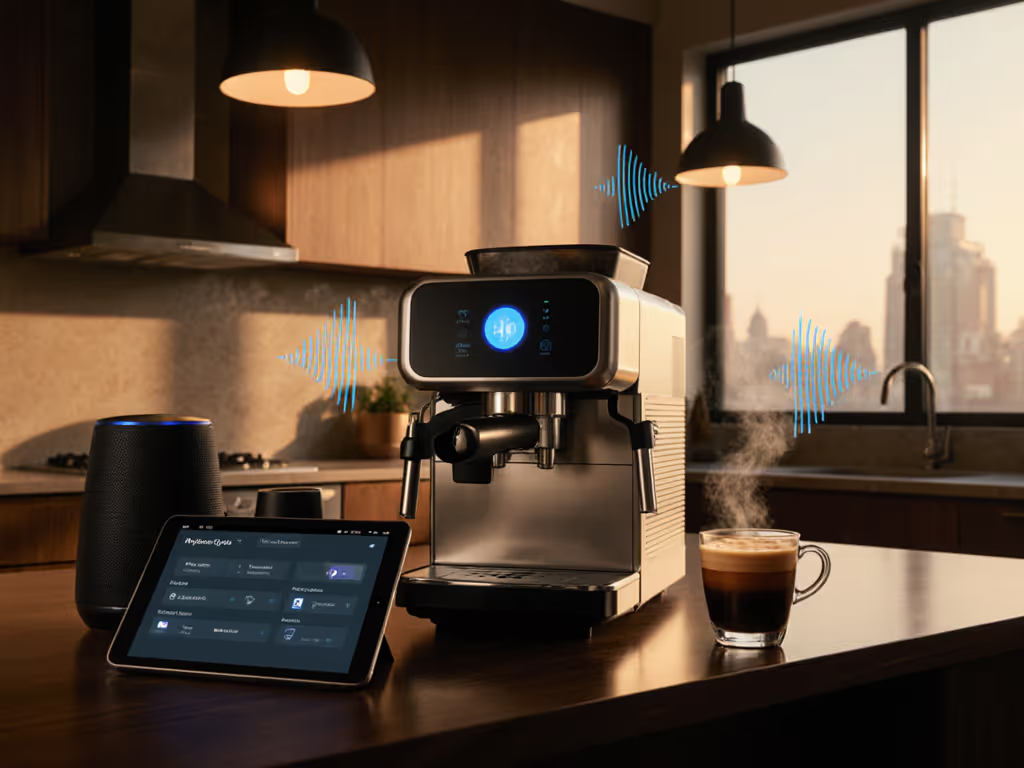
If you are weighing a voice-controlled espresso machine comparison and wondering whether smart home espresso integration is worth it, the real question is simpler: will voice make your mornings smoother, or just add one more thing to debug before coffee?
In this guide, I'll walk you through how voice control actually behaves in real kitchens, how it plugs into Alexa/Google/HomeKit routines, and which types of machines are most likely to reduce cognitive load instead of raising it. For a deeper look at which connected features actually deliver, see our smart espresso machines guide on app control vs real consistency. Less fiddling, more sipping (your morning deserves frictionless espresso).
How voice control changes your morning workflow
Most people do not want a sci-fi espresso bar. They want this:
- You say, "Good morning,"
- Lights fade in, blinds lift,
- Espresso machine is hot and ready,
- Milk is cold in the fridge,
- Two drinks are finished in under 10 minutes without waking anyone or trashing the counter.
That's the lens I use when I evaluate any "smart" feature. In one household I observed, the showpiece machine impressed on lazy weekends but fell apart on busy weekdays: loud, splashy, too many steps and too much wiping. A quieter, simpler setup, with a smarter workflow and less mess, consistently won the Monday-Friday race. If morning peace is a priority, our espresso machine noise levels comparison highlights the quietest picks and what really causes pump racket.
Voice control is just another link in that chain. It only helps if it:
- Shaves time off your routine,
- Reduces mental steps ("Did I turn it on? Is it hot yet?"),
- Doesn't increase noise or cleanup.
What counts as "smart home espresso integration"?
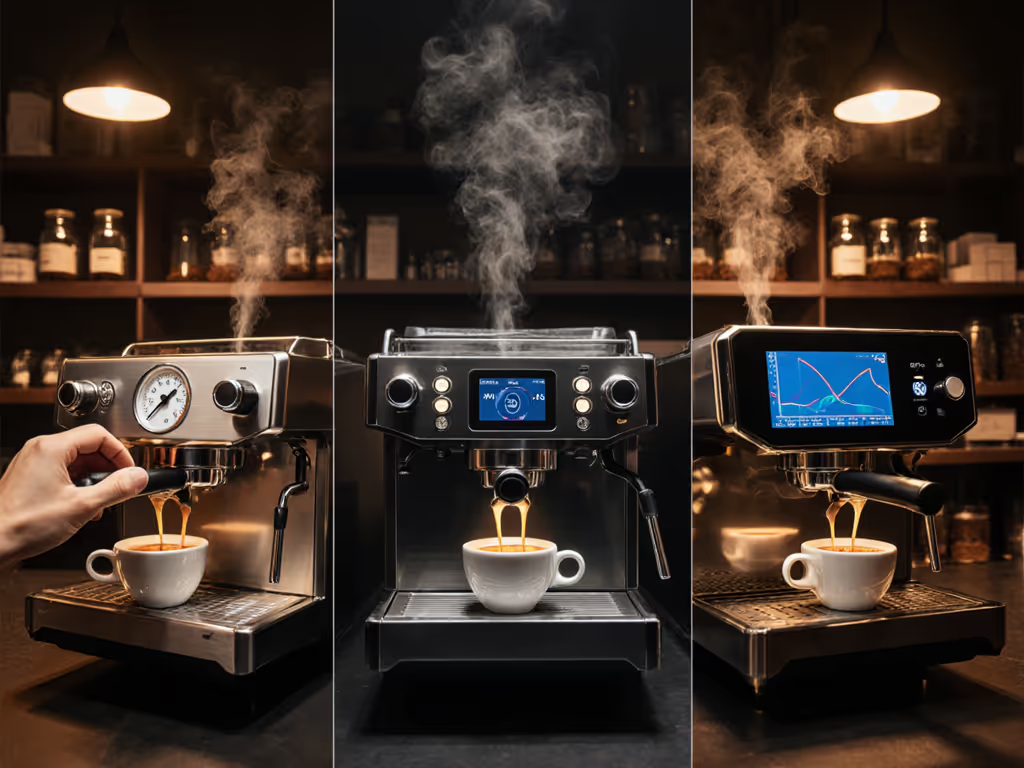
According to recent guides on voice-controlled coffee gear, most current options fall into a few clear buckets: smart plugs that control power, app-connected machines that expose basic functions to voice assistants, and a handful of fully automatic machines with built-in Alexa/Google skills. Portable and manual espresso gear, by contrast, tends to focus on portability and pressure quality rather than connectivity, and rarely offers any smart integration. If you're leaning toward one-touch convenience, compare options in our fully automatic espresso makers roundup to see how they balance convenience with cup quality.
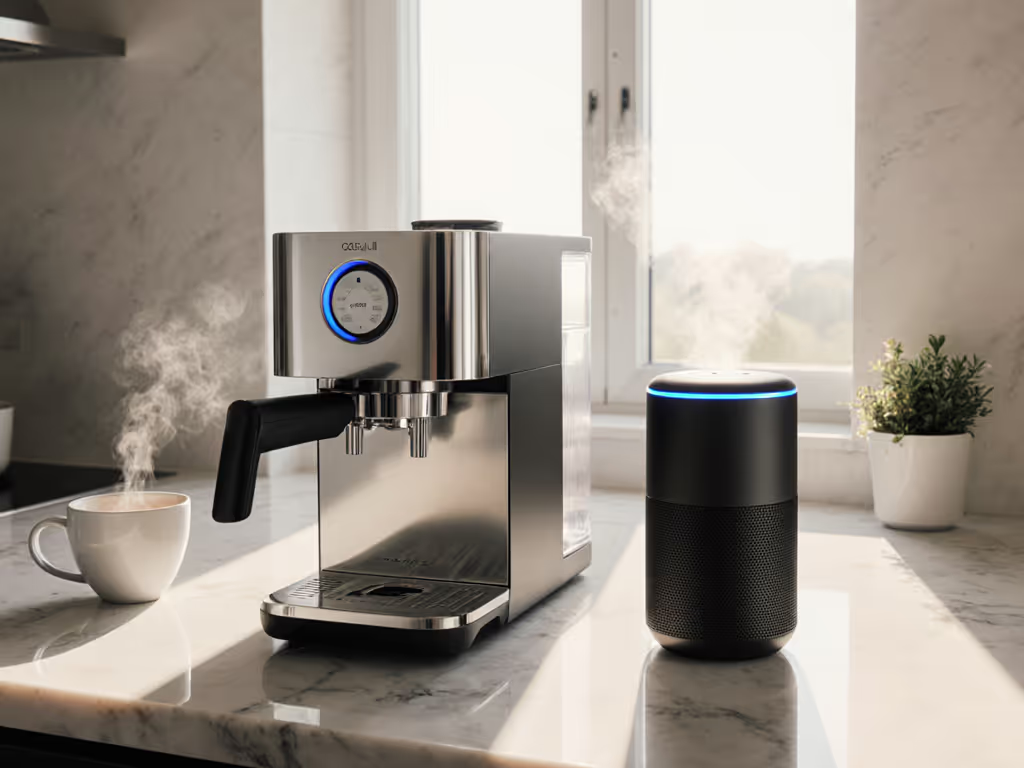
Levels of integration
You will mostly encounter four integration levels:
- "Dumb" machine + smart plug
- Voice can turn the outlet on/off.
- Works best with machines that remember their last power state and have a fast warm-up.
- No direct control of shot volume or steaming, just power.
- App-connected prosumer machine (indirect voice)
- Machine has Wi-Fi/Bluetooth and its own app.
- You use Alexa/Google/Siri to trigger scenes or routines that talk to the app.
- Typical voice actions: preheat machine, switch between modes, sometimes start a programmed shot.
- Bean-to-cup superautomatic with native voice support
- Machine grinds, doses, tamps, brews, and often steams at the touch of a button.
- Official Alexa/Google "skills" can let you say things like "Make a cappuccino" or "Start my espresso," within safety limits.
- Often the deepest integration, but taste can be less customizable compared with a full prosumer setup.
- Coffee makers with basic espresso-like functions
- Some drip or pod machines exposed to Alexa/Google as "coffee makers."
- Voice can start a brew and sometimes pick from a few drink programs.
- Pressure and shot quality are generally below true espresso standards, though workable for some households.
Ecosystems and routines
Most smart espresso setups today focus on mainstream ecosystems such as Amazon Alexa, Google Assistant, and in some cases Apple HomeKit via bridges or manufacturer integrations. What matters to your routine is not just "does it work?" but how it works:
-
Direct skill vs. routine hack
-
Direct: "Alexa, tell [Brand] to make an espresso."
-
Indirect: "Alexa, good morning" -> Alexa triggers a routine -> routine talks to the machine's app.
-
Cloud vs. local
-
Cloud: Needs internet and vendor servers; more features, but more points of failure.
-
Local (e.g., via Home Assistant or HomeKit bridges): Less dependent on the cloud, often faster if supported.
-
Multiple users
-
Can the assistant distinguish different people's profiles?
-
Can you store "my drink" vs. "partner's drink" presets, and is that distinction available via voice or only on the panel?
The more hops a command has to take (voice -> cloud -> manufacturer server -> app -> machine), the more chances for lag or failure. That's why a solid espresso workflow voice control design will always consider offline fallback: you should be able to walk up and press a reliable physical button if the voice path is down.
Testing framework: how to compare voice-controlled espresso machines
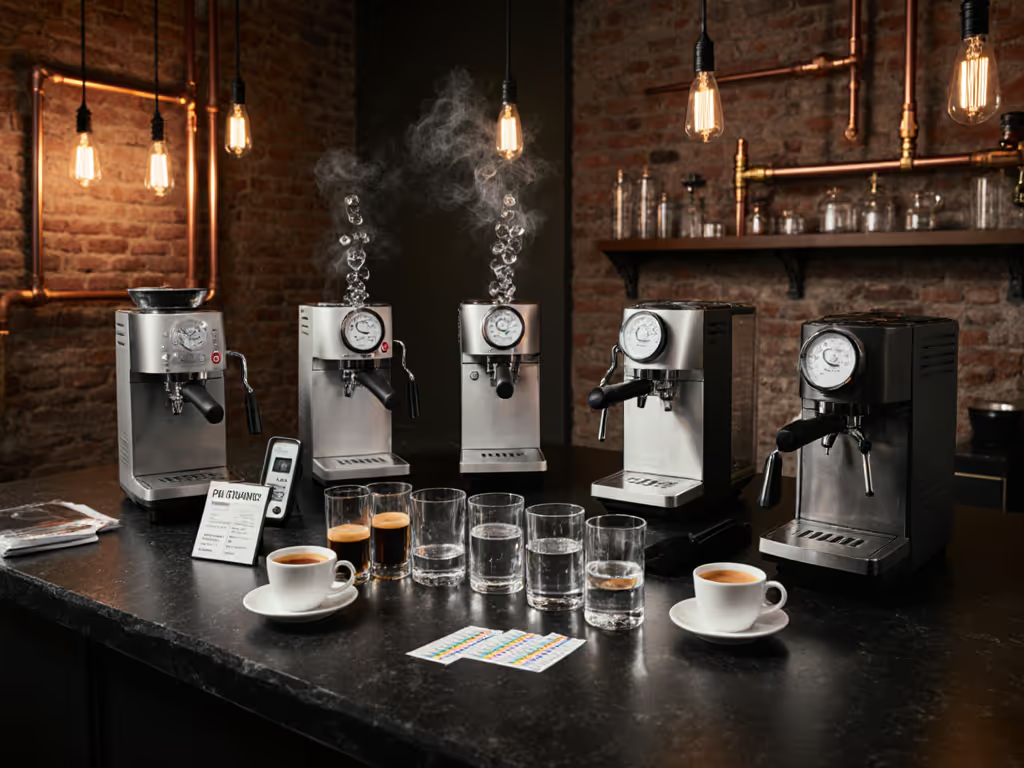
Because marketing demos are often "sunny day" scenarios, I look at four dimensions: voice command accuracy testing, smart home ecosystem compatibility, espresso workflow voice control, and voice interface usability analysis.
1. Voice command accuracy testing
You can recreate a simple, data-driven test in your own kitchen:
-
Define 5-7 core commands Examples: "Preheat espresso machine," "Make an espresso," "Make a cappuccino," "Turn off espresso machine."
-
Run 20-30 trials per command
-
Note success, misinterpretations, and any error messages.
-
Track latency: time from end of phrase to machine reaction.
-
Test under real noise
-
Dishwasher running, kettle boiling, kids talking, hood fan on.
-
This matters because echo and background noise can dramatically cut accuracy.
-
Compare metrics
-
Success rate (% of commands executed correctly).
-
Average and worst-case response time.
-
Rate of "false OKs" (assistant says "Done" but machine did nothing or did the wrong thing).
In practice, anything under ~85-90% success in a noisy kitchen quickly feels unreliable. A clean physical button you can hit half-asleep will beat a glamorous but flaky voice skill every time.
2. Smart home ecosystem compatibility
Good smart home espresso integration should feel like part of a wider, predictable routine, not a one-off gadget.
Look for:
- Native integrations with your primary assistant (instead of only IFTTT or third-party bridges).
- Ability to join scenes/routines (e.g., "Good morning," "Leaving home," "Movie night").
- Support for multiple platforms (e.g., you might have Alexa in the kitchen, HomeKit in the living room) if you care about flexibility.
- Clear handling of updates: can a firmware or app update break your integration? Is there a way to roll back or quickly relink?
If you are already deep into one ecosystem, prioritize machines or app workflows that speak that language first. Avoid solutions that force you to juggle two or three separate assistant apps before coffee.
3. Espresso workflow voice control
Here we zoom in on the espresso workflow itself. Voice makes sense for some steps and not others.
Good uses of voice:
- Preheating from another room ("Alexa, start the espresso machine").
- Kicking off a known drink ("Hey Google, make my morning espresso") once you have dialed in a preset.
- Shutting down after you have left the kitchen.
Poor uses of voice:
- Fine-tuning shot parameters on the fly (grind size, minor dose adjustments).
- Live shot timing ("Stop shot... stop shot... STOP!"; latency kills here).
- Delicate milk texturing, where your eyes and hands need to be fully engaged.
If a voice action is timing-critical or requires nuanced feedback (sight, sound, feel), buttons and knobs still win.
When you compare machines, ask: which parts of my workflow are truly helped by voice, and which are better left to tactile controls?
4. Voice interface usability analysis
This is where frustration often hides.
Evaluate:
-
Setup friction
-
How many accounts do you need (manufacturer login, cloud service, assistant, Wi-Fi)?
-
Does pairing work reliably on multiple phones and networks?
-
Error feedback
-
If a command fails, do you get a useful explanation ("Machine is off," "Water tank empty") or just silence?
-
Does the assistant tell you when the machine is still heating vs. actually brewing?
-
Privacy and controls
-
Can you easily disable voice access (guest over, kids playing with commands)?
-
Are there parental-control-type limits to prevent a string of accidental milk drinks?
-
Cognitive overhead
-
Are command phrases natural or weirdly specific?
-
Can your partner remember them without a cheat sheet on the fridge?
A good voice interface lowers the number of things you have to remember before caffeine hits. A bad one turns every morning into a mini training session.
Category-by-category comparison
Below is a high-level voice-controlled espresso machine comparison based on the main integration archetypes.
| Category | Best for | Voice strengths | Key limitations | Noise & mess notes |
|---|---|---|---|---|
| Smart plug + classic machine | Budget setups; people with a favorite non-smart machine | Simple on/off via routines; easy to retrofit | No shot or steam control; depends on machine remembering power state | Noise/mess same as base machine; voice does not help cleanup |
| App-connected prosumer | Enthusiasts who want control plus convenience | Scheduled preheat; mode switching; sometimes starting a programmed shot | Configuration can be complex; cloud/app reliance; not all parameters are exposed | Prosumer pumps and flushes can be loud; good drip tray and puck behavior are still critical |
| Superautomatic with native voice | Households wanting one-touch drinks and minimal tinkering | "Make a cappuccino" style commands; user profiles; integration with morning routines | Less control over flavor; higher upfront cost; more complex internals | Often quieter than pump-heavy setups; internal waste bins simplify puck handling but need regular emptying |
| Coffee maker with espresso-like mode | Casual drinkers; mixed coffee/espresso households | Easy "brew coffee" voice routines; sometimes faux "espresso" programs | True espresso quality is limited; may not satisfy dedicated espresso lovers | Generally low mess and simple cleanup; noise usually minimal |
From an ergonomics perspective, voice rarely changes noise and mess directly. Pumps still pump, steam still hisses, milk still splatters if mishandled. What voice can change is when those loud or messy steps occur relative to sleeping family members, and how many things you need to touch (and clean) to get there.
Quick decision checklist for your kitchen
Use this as a time-stamped steps exercise. Picture a weekday morning.
Step 1: Map your routine (T+0:00 to T+10:00)
- T+0:00 - Who wakes first? Are others sleeping nearby?
- T+0:30 - Do you want the machine already hot, or do you enjoy the ritual?
- T+3:00 - How many drinks need to be ready by now (1, 2, 4+)? Back-to-back speed varies widely; see our espresso recovery time tests if you routinely pull multiple drinks in quick succession.
- T+8:00 - Are you out the door, on Zoom, or wrangling kids?
Voice helps most when you need the machine hot on demand and you are doing other things in parallel.
Step 2: Choose your voice role
- If you mainly want preheat automation then start with a smart plug + a reliable fast-heating machine.
- If you want to keep a high-control prosumer setup then look for an app-connected machine and test how well its app works with your assistant.
- If you want "press once, get drink" simplicity for the whole family then a superautomatic with native voice commands is your best match (as long as you are okay with a slightly more "automatic" flavor profile).
Step 3: Check kitchen constraints
- Counter depth & cabinets: can a taller superautomatic fit under your cabinets and still allow access to the bean hopper and water tank?
- Outlet location: if using a smart plug, will the plug and adapter fit behind your machine?
- Noise paths: where does pump and steam noise travel, toward bedrooms or away?
Step 4: Evaluate cleanup in seconds, not minutes
Ask these questions regardless of voice features:
- Do spent pucks land relatively dry, or are they sludge that smear the knock box?
- How easy is it to rinse the wand and tray, truly 10-20 seconds, or closer to a couple of minutes?
- Can you program auto-rinse cycles, and do they spray everywhere or stay contained?
Voice that helps you start up but leaves you with 5-7 minutes of wiping and rinsing has not really optimized your morning.
Where voice control helps, and where buttons still win
Voice is excellent at starting predictable, low-risk actions:
- Warming the machine while you are in another room.
- Triggering a well-tested drink preset.
- Turning the machine off when you are halfway out the door.
Buttons, dials, and levers are better for:
- Anything that depends on fine timing or tactile feedback (shot stopping, milk texturing).
- Quick corrections when something looks or sounds wrong.
- Situations where internet, Wi-Fi, or cloud services are unreliable.
The sweet spot is a hybrid: voice for macro-steps (preheat, start my usual drink, shut down) and tactile controls for micro-steps (grind, tamp, steam, adjust). That combination tends to reduce cognitive load without sacrificing control or taste.
Next steps: explore, test, iterate
To keep your purchase aligned with your real life rather than with spec sheets:
- Write down your current morning in 5-7 bullet points. Mark where you felt rushed, where noise was a problem, and where mess piled up.
- Decide what you want voice to do - and what you do not want it to do. Preheat only? Full drink prep? Just shut-down safety? Being strict here avoids over-buying.
- Shortlist machine types, not just models (smart plug + classic, app-connected prosumer, superautomatic with voice, or coffee maker with espresso-ish mode).
- If possible, test commands in person or via a friend's setup. Focus on voice command accuracy testing in a noisy environment and on how gracefully things fail when Wi-Fi misbehaves.
- Plan your maintenance workflow. Voice will not backflush, descale, or wipe steam wands for you, so choose a system whose routine maintenance you can describe in three simple steps. For clear, machine-specific routines, use our espresso maintenance by type guide so upkeep fits your daily workflow.
From there, you can dig deeper into specific models that match your ecosystem, drink volume, and budget. Treat voice as one more ergonomic tool, useful when it smooths out bottlenecks, dispensable when it adds friction. The goal is the same either way: an espresso setup that disappears into your routine and lets you get from "Good morning" to "First sip" with calm, predictable steps.
Related Articles